
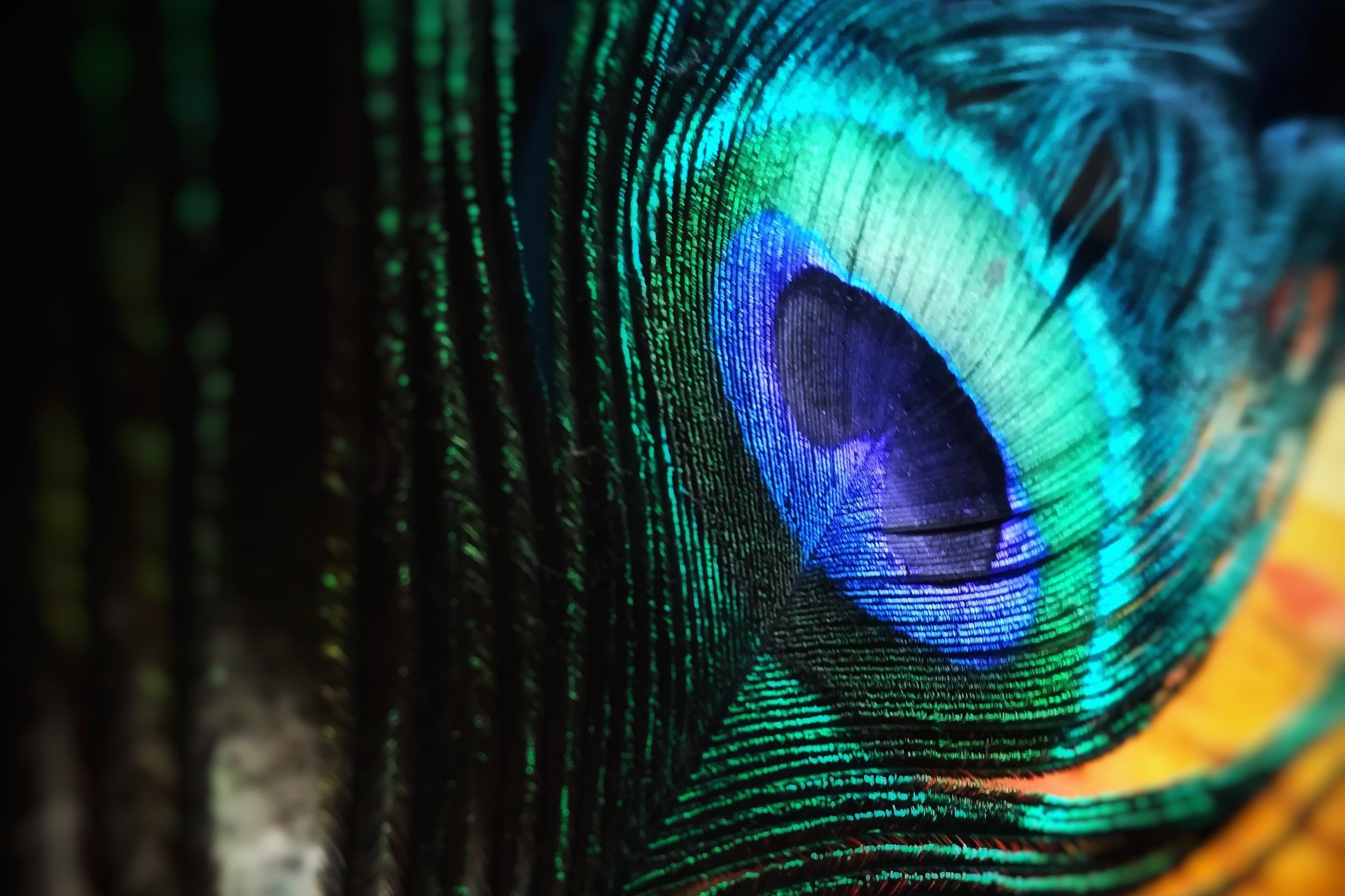
Colour grading changes the relationships between tones and colours to support the photograph’s mood. It is a creative decision that builds on a sound exposure and colour correction. Photographers also shaped tone in the darkroom through print processes such as toning; a sepia-toned print is not a type of early colour film. Digital tools offer a different way to make and refine those decisions.
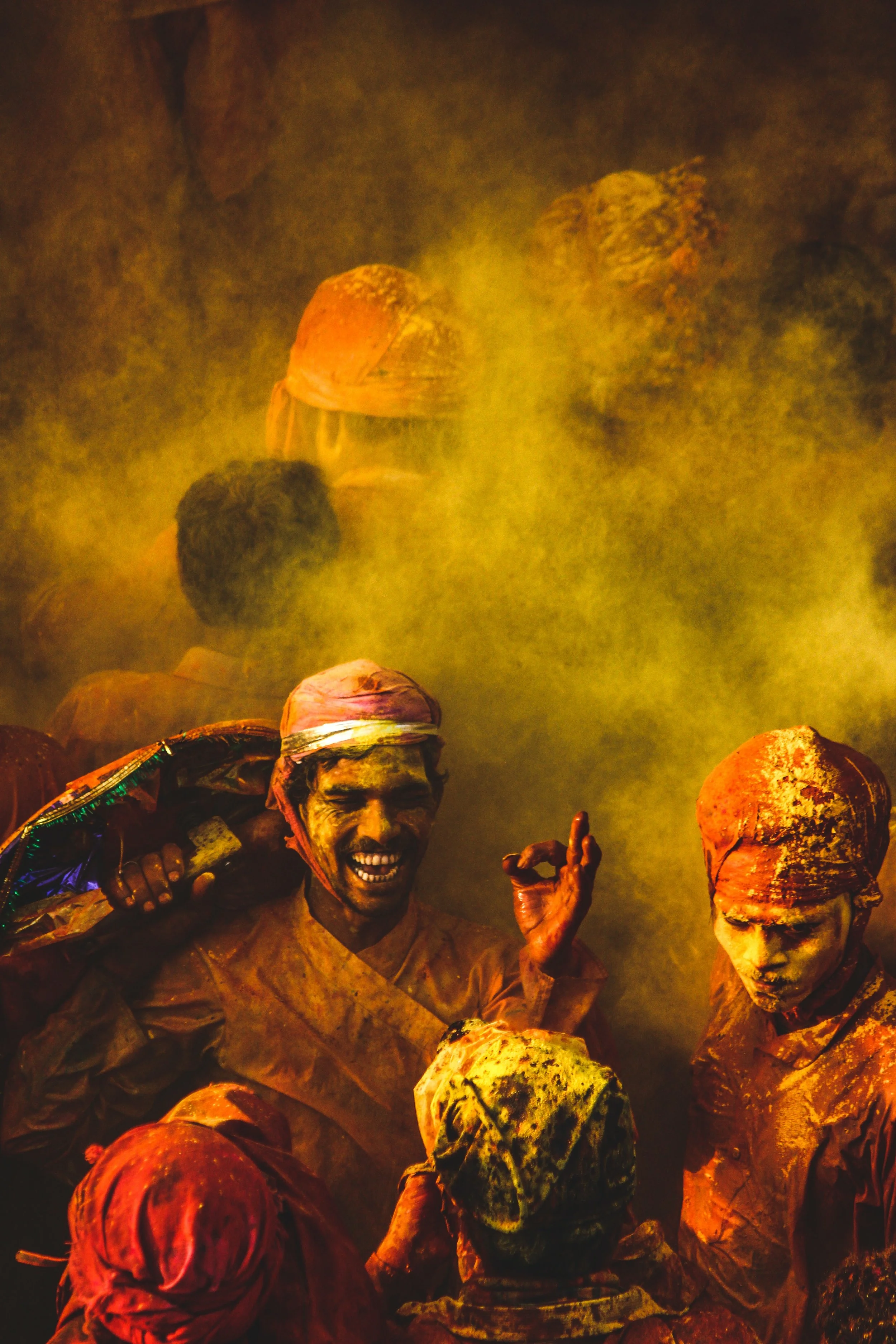
The Complex Web of Colour Theory
The realm of colour is far more profound than just hues; it's a language that speaks to our emotions, memories, and experiences.
Reds
Red may suggest warmth, affection, urgency or danger, depending on the subject and its surroundings. A red rose and a warning sign do not carry the same meaning.
Blues
Blue may feel calm, cool or reflective in one photograph and distant or melancholy in another. Brightness, contrast and context matter alongside hue.
Yellows
Yellow can suggest warmth and energy, but it can also feel sharp or uncomfortable. Judge its role in the actual image rather than assigning it a fixed emotion.
Greens
Green may recall vegetation and growth, while its hue and surrounding colours can change the impression.
Individual responses vary with personal experience and cultural context. These are possible associations, not universal psychological rules.

The Colour Wheel
Central to understanding colour theory is the colour wheel, a circular representation of colours' relationships with one another.
Choose a colour model before discussing its primaries or complements. The traditional RYB artist’s wheel uses red, yellow and blue; digital RGB uses red, green and blue light. Print production commonly uses CMYK. These models serve different purposes and their mixing relationships should not be treated as interchangeable. Adobe’s colour-wheel explanation outlines the distinction.
Complementary Colours
Complements sit opposite one another on the chosen wheel, so the model matters. A blue-and-orange scene can provide a useful warm–cool contrast, but no colour pairing guarantees harmony. Compare the area, brightness and saturation of each colour as well as its hue.
Colour Perception
Colours are perceived in relation to their neighbours. A blue lake can appear different beside golden trees than beside pale snow. Lighting, display conditions and the surrounding tones also affect the result. Use the wheel to test relationships, then judge the complete photograph.

The Power of Adobe Lightroom in Modern Photography
Today's photography has seen a transformation like no other. We've moved from the tangible art of manipulating film in dark rooms to the innovative realm of digital tools and software. At the forefront of this revolution is Adobe Lightroom. Here are two of the tools I use to help colour grade my images.
Local Masks
In current Lightroom Classic, use Linear Gradient and Radial Gradient in the Masking panel for gradual local adjustments. Brush and other mask controls can refine the affected area. Check the transition and the whole image for visible edges; see Adobe’s Masking guide.
For skies, a Linear Gradient can introduce cool tones. Think about adding shades of blue or purple to bring out the depth of a sunset or to add a touch of mood. Use a Radial Gradient to highlight your subject. Warm tones can be the centre of attention, with cooler ones fading out to the edges.
HSL Sliders - Hue, Saturation, Luminance
Want to change the colours subtly? The Hue slider can turn a regular sky into a teal dream or make green leaves look like they're touched by autumn. Saturation is about colour intensity. Boost it to make your sunset pop, or dial it down for a softer, more nostalgic vibe. Luminance allows you to play with the brightness of specific colours. Darken the blues for a deep sky or lighten the yellows to make a field glow.
Evoke emotions with your choice of hue. Go warm for feelings of energy, or cool it down for a serene touch. The mood is in your hands with saturation. Crank up the saturation for a lively scene or tone it down for calmness. Luminance allows you to bring harmony by brightening colours that should stand out and toning down the rest. Think of bright yellows contrasted against subdued blues.

Demystifying the Grading Workflow: A Step-by-Step Guide
By following this systematic approach and with practice, you not only enhance your image's aesthetic appeal but also ensure its essence remains intact. Here’s the workflow I typically use to ensure that my photos stay true to vision.
1. Initial Assessment: Assess the Image's Soul
Before diving into edits, spend a moment to immerse yourself in the photograph. What story does it tell? What emotions does it evoke? This reflective step ensures that subsequent edits enhance the image's core message instead of detracting from it.
2. Basic Corrections: Lay a Strong Foundation
Just as a house needs a solid base, so does your image. Start with correcting any noticeable flaws. Straighten horizons with the cropping tool. Adjust exposure to achieve a balanced luminance. Correct white balance to ensure natural colour tones. Remove unwanted artifacts or distractions.
3. Tonal Dynamics: Play with Lights, Mids, and Shadows
The tonal range can dramatically influence how an image is perceived. Adjusting the highlights (brighter portions) can bring out details in clouds or reflections. Tweaking mid-tones can accentuate or soften facial features in portraits and bring depth to landscapes. Deepen shadows for drama or lighten them for a softer feel. It's all about creating contrast and depth.
4. Selective Color Alterations: Choose Your Colour Palette
Colours play a vital role in setting a photo's mood. With targeted adjustments, you can make specific colours pop or recede utilise the HSL sliders for precise control over individual colours. Enhance the vibrancy of a sunset, or mute certain tones for a vintage look.
5. Use Color Grading for Tonal Colour
Current Lightroom Classic’s Color Grading panel replaced Split Toning and includes shadows, midtones and highlights. Apply small changes, compare with the ungraded version and check skin or other important colours. Warm highlights and cool shadows are a split-colour treatment, not a sepia conversion. Adobe’s introduction to Color Gradingexplains the controls.
6. Finalise: Sharpen, Refine, and Present
You're almost at the finish line. Before presenting your work. Sharpen the image slightly to enhance details. Consider a subtle vignette to guide the viewer's eyes to the subject. Double-check the entire process, ensuring that the edits serve the image's initial story and emotion. Export in the desired format, resolution, and colour profile for optimal viewing.

Beyond Artistry: Ethics in Colour Grading
In the world of photography and digital art, colour is more than just a tool; it’s a language. It has the incredible capacity to evoke emotions, tell stories, and transport viewers to another time or place. But with this power comes a significant responsibility.
The Double-Edged Sword of Manipulation
While colour grading can enhance images, it can also distort their essence. Over-manipulated images can misrepresent their subjects, which can be problematic, especially in photojournalism where authenticity is crucial. But even in more artistic contexts, there's a fine line between enhancing an image and misrepresenting the world it captures.
The Responsibility of the Artist
Every artist has the right to creative liberty. It's what allows for innovation, exploration, and the continuous evolution of the medium. When presenting work, especially in a commercial or journalistic context, it's crucial to be transparent about the level of manipulation involved. This doesn't mean stifling creativity but rather ensuring that viewers are not misled by the final product.
Balancing Creativity with Authenticity
The challenge lies in balancing the desire to create a compelling image with the need to remain true to the scene's original essence. It's possible to use colour grading to bring out the beauty in a photograph without resorting to extreme alterations that distort reality. Such a balanced approach respects the integrity of the scene while allowing the artist to impart their unique vision and perspective.
Conclusion
Crafting Visual Symphonies in Travel and Landscape photography, at its heart, is an emotional endeavour. In travel and landscape photography, colour grading is the final touch of storytelling.
For the wider editing sequence, read the post-processing workflow.